

Specialized Maytag Appliance Repair in San Francisco
Mon–Sat: 8:00 AM – 7:00 PM
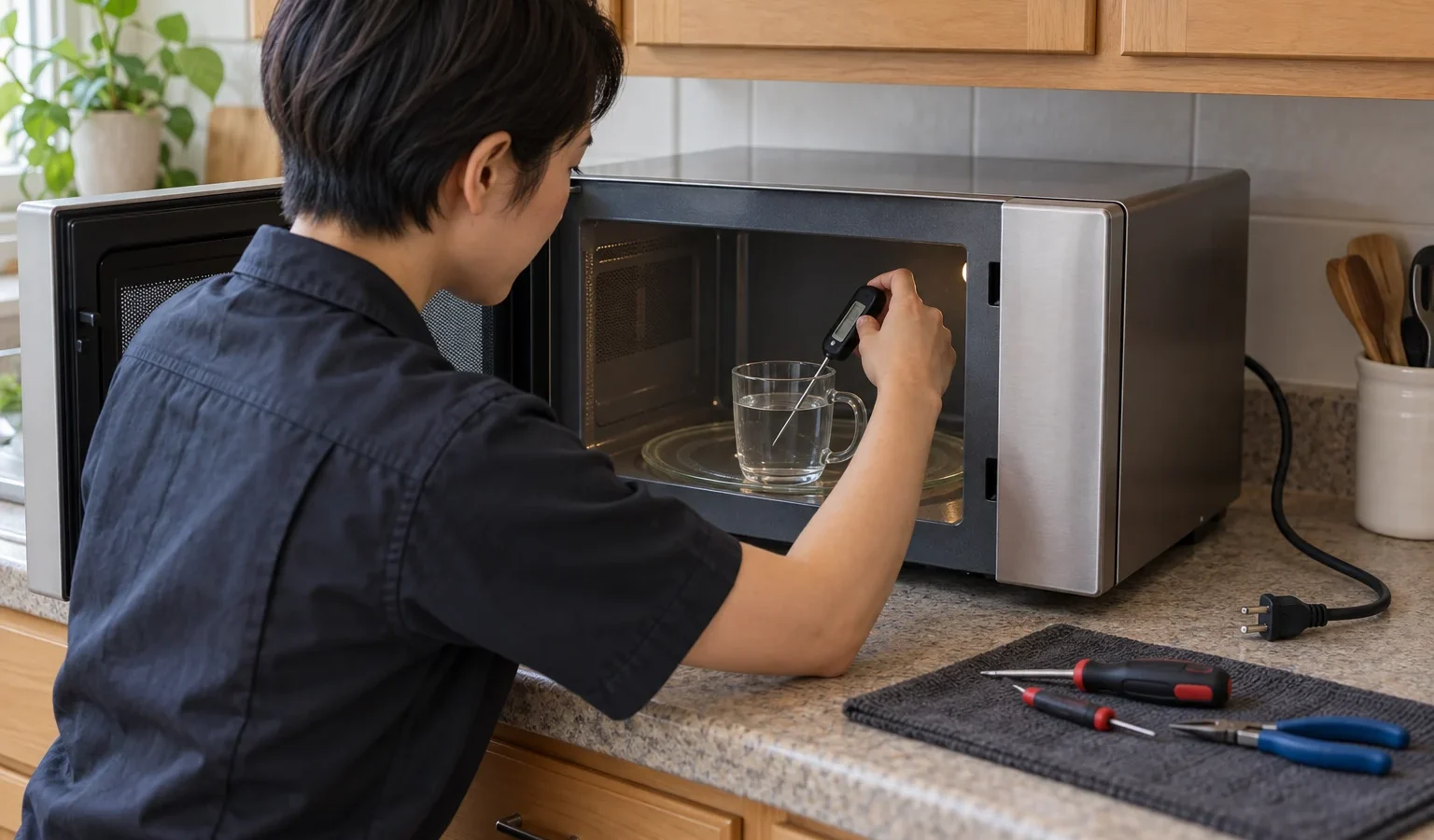
The turntable spins, the light is on and the food is still cold. See what a door switch, a sensor, a heating-circuit fault or the control usually means on an over-the-range Maytag microwave.
The display counts down, the fan hums, the turntable turns, and the coffee is exactly as cold as before. A microwave that runs but does not heat is a common complaint with over-the-range units, because they share their cavity with a vent fan and a light and work hard in busy kitchens. The part that makes heat is separate from everything you can see working.
A microwave produces heat through a high-voltage circuit: a transformer or inverter powers a magnetron, which sends energy into the cavity. That circuit only starts when the door switches confirm the door is closed and the control board asks for power. The turntable, the light and the fan run from the low-voltage side, so they carry on even when the heating circuit is dead. This is why you see a “working” microwave that does nothing to the food.
When a Maytag microwave shows a code, it narrows the area. E23 points to the heater, the appliance control board or the wiring. E24 can involve the thermal sensor, the gas sensor, the control board or the wiring. E21 reports the thermal sensor circuit as open to the control board. E61 reports the oven sensor circuit as open. F1 E4 points to the appliance control board or wiring. A keypad fault such as E03 points to the keypad reporting a problem to the control board. Write down whatever appears before you unplug or reset.
Three over-the-range models appear on our site. The Maytag MMV1175JZ repair page covers a 1.7 cu ft over-the-range microwave. The Maytag MMV4207JZ repair page covers a 1.9 cu ft unit with Dual Crisp. The Maytag MMV6190FZ repair page covers a 1.9 cu ft convection unit. A convection or Dual Crisp model has an extra heating system, so a microwave function can fail while the other still works, or the reverse. Tell the technician which mode is cold.
An over-the-range microwave is mounted to a wall bracket and the cabinet above, with its vent either ducted out or recirculating. Heavy use over a gas range sends grease and heat into the vent, and a clogged grille or blocked duct makes the unit run hotter. A microwave plugged into a shared or poorly seated outlet, or one whose cord is pinched behind the unit, can show odd behaviour too. The cabinet above is also where the cord and the mounting hardware sit, so a unit that vibrates loose can strain the connection.
Stop there. Do not remove the outer cover or the top panel. The high-voltage capacitor inside can hold a dangerous charge even when the microwave is unplugged, and that is why the heating circuit is not an owner repair.
A microwave that arcs, smells like burnt plastic, makes a loud buzz or trips the breaker should be switched off at the breaker and left alone. Those symptoms are different from simple lack of heat and point to something that is actively failing.
With a microwave, the answer depends on the model and on what failed. A door switch or a sensor is a modest repair. A failed magnetron or a damaged cavity may lead you to a different decision, which we discuss in repair or replace a Maytag appliance. We tell you what we find first.
Book when the microwave runs but stays cold after the basic checks, when a code remains, or when the door does not latch. We start with a diagnosis, you get a written estimate, and no repair goes ahead without your approval. See Maytag microwave repair and Maytag microwaves. Have the model number ready; it is usually inside the microwave door frame, and how to find your Maytag model number explains where else to look.
The turntable, light and fan use the low-voltage side. The heating comes from a separate high-voltage circuit, and a door switch, sensor, control or high-voltage part can interrupt it.
No. The high-voltage parts can hold a dangerous charge even when unplugged. Leave the cover on and book a technician.
Yes. If the control does not see the door as closed, it may run the fan and light but not heat. Clean the seal and latch area and test again.
E21 reports the thermal sensor circuit open to the control board, and E61 reports the oven sensor circuit open.
It does. A convection or Dual Crisp unit has a second heating system, so tell the technician which mode is cold.
Share a few details and we’ll confirm an appointment. Prefer to talk? Call us and we’ll help right away.