

Specialized Maytag Appliance Repair in San Francisco
Mon–Sat: 8:00 AM – 7:00 PM
Maytag dryer fault codes grouped by what they point to: airflow, heater, line power, sensors, controls and motor. See which ones are safe to check first.
A dryer that stops and shows letters and numbers is not being cryptic for fun. The control has tested something, found a result it does not like, and chosen to stop. Knowing which family of messages you have, and which ones are really about the vent rather than the machine, is the quickest way to decide between a ten-minute outside check and a technician visit.
Most Maytag dryer messages follow an F-and-E pattern, such as F4 E1, where the first number names a system and the second narrows it down. A few short strings, such as AF, stand on their own. Sometimes the display alternates between an F and an E number. Maytag treats that alternating display as a problem that needs service. Write down the exact characters; the spacing and whether it alternates matter.
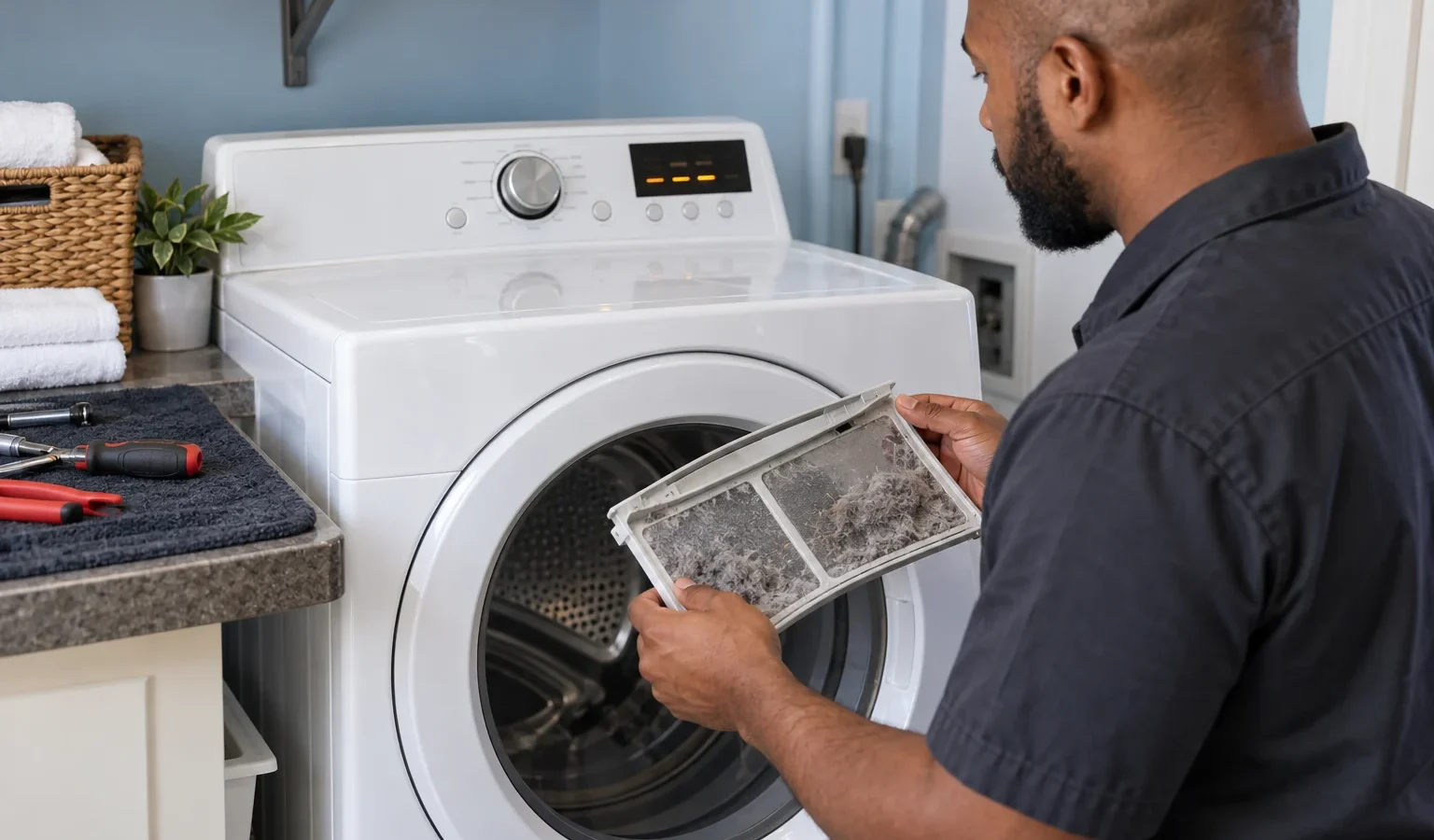
This group is the one you can often fix. AF, F30 and F4E3 are all described as restricted airflow: the lint screen or the vent is clogged, crushed or kinked. F4E5 is read as a high limit, where the dryer temperature threshold was exceeded, usually from poor airflow. Clean the lint screen, pull the dryer out a little, check the duct for a crush and look at the outside hood flap before assuming a part failed.
F4 E1 is described as a problem with the heater or the heater relays, and F4E2 describes a second heater problem on electric models. F4E4 and F4 E4 describe low line voltage on the second leg, again for electric models, and F31 and F0E7 describe low or missing line voltage. On an electric dryer, a half-tripped double breaker produces exactly this kind of message, so check the panel before assuming the dryer is faulty. If the breaker is fine and the code returns, the supply wiring or the dryer needs an electrician or a technician.
Dryers that sense moisture have strips inside the drum. F3 E2 is explained as a moisture sensor issue that appears when several consecutive loads are dried without the strips being cleaned. F3E2 and F3E7 describe the front and rear strips as open or shorted, and those two appear in service diagnostic mode. F3 E3 describes the inlet thermistor as open or shorted. Fabric softener residue can coat the strips, and a gentle wipe with a cloth is the sort of care the strips need.
F2E1 and F2E2 describe a stuck keypad on the lower and upper dryer, respectively, while F2 E1 is a stuck button that shows only in service diagnostic mode. F6 E1 points to the main control, the user interface or wiring, and F6 E2 and F6 E3 describe communication that cannot be heard in one direction or the other. F1E1 is an ACU fault, and F1E3 describes the wrong controller installed on an electric model, which appears after a repair with a mismatched part. FCE3 describes a WiFi connection fault and FCE4 a USB stick fault. The generic F# E# message is for a problem that needs service.
F5E1 and F5E6 describe door circuit errors on the lower and upper dryer of a stacked unit. F7 E1 points to the motor, the control or the wiring, and F7E6 to F7E9 split up motor circuit and motor sense errors by lower and upper unit. Door and motor messages are not owner repairs. The one owner check is to make sure the door closes fully and nothing, like a sock strap, is caught in it.
Many of these messages name an upper and a lower dryer. That is a clue that the control knows which chamber has the fault, and it saves time at the door. If you have a laundry center, tell us which one shows the message. For single units such as the MED8630HC, a smart front-load electric dryer, the same codes apply without the upper or lower label.
Do not remove the cabinet, probe the terminals or disable the door switch to get another load dry. A burning smell means switching off at the breaker.
Some meanings apply only to electric units, others to Maytag moisture-sensing units, others to stacked pairs. Give us the model number from the door opening label along with the code. The article on how to find a Maytag model number shows where to look. For a gas unit such as the MGD7405RR, the electric-only codes will not be the right reading.
Book if the message returns after cleaning the vent and one reset, if it points to the heater, the controls or the motor, or if the dryer smells hot. The technician diagnoses before repairing, gives a written estimate and does nothing without your approval. Read about the visit on the Maytag dryer repair page, and see the lineup on the Maytag dryers page. If the problem is simply no warmth, the article on a Maytag dryer not heating is next.
AF is described as a restricted airflow code. The lint screen or the vent is clogged, crushed or kinked. Cleaning the screen and checking the duct and outside flap is the first step.
Yes. Low line voltage messages such as F4 E4, F31 and F0E7 can appear when one leg of the double breaker is off or the supply is weak.
Maytag describes an alternating F and E display as a problem that needs service. Write down both numbers exactly.
No. Airflow codes often clear after cleaning the lint screen and the vent. Heater, control, motor and communication codes need a diagnosis.
If it clears once after a reset, watch it. If it returns on the same cycle step, stop using the dryer and book a diagnosis.
Share a few details and we’ll confirm an appointment. Prefer to talk? Call us and we’ll help right away.